
Size Recommendation vs Virtual Try-On: What Each One Answers
 TryOnAnytime
Size tools answer “which size?”; virtual try-on answers “how will it look?” Use both—see why try-on isn’t a tape measure and how to pair it with your size chart.
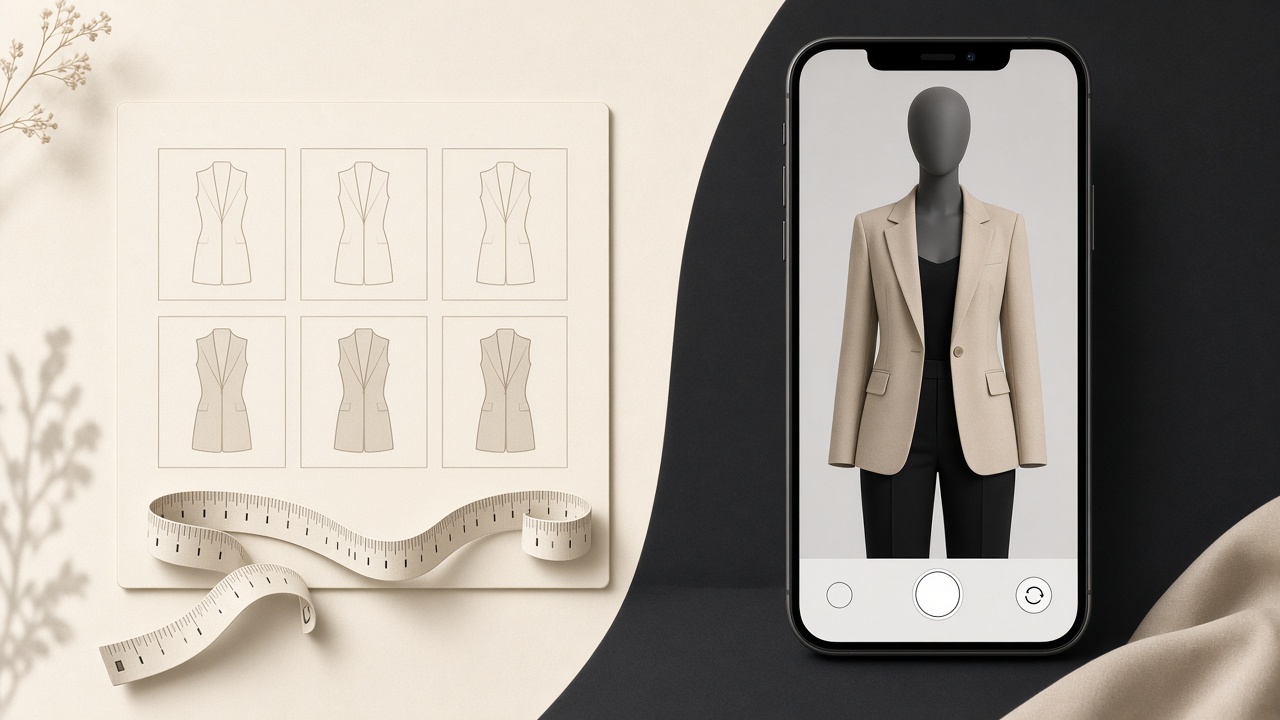
“Will this fit me?” is really two questions wearing one coat:
- Which size do I order? — a measurement and sizing-chart question.
- How will it look on me? — a colour, print, silhouette, and length question.
Size recommendation tools answer the first. Virtual try-on answers the second. Shops that blur the two do worse than either tool alone, so here is the clean split.
One list, no marketing
- Am I an M or an L in this brand? Right tool: size chart / size recommendation. Why: it needs measurements and that brand’s grade rules.
- Will this print look costume-y on me? Right tool: virtual try-on. Why: it is a judgement call only pixels can preview.
- Will the hem hit where I want? Right tool: try-on, then confirm length in the chart. Why: the preview shows placement; the chart gives centimetres.
- Will it be tight across the chest? Right tool: neither reliably. Why: the chart, fabric composition, and reviews are better evidence.
- Black or cream? Right tool: virtual try-on. Why: same garment, two colourways, one selfie.
- Does the sleeve shape suit my shoulders? Right tool: try-on. Why: structure is visible in a preview.
Why virtual try-on is not a tape measure
A try-on model works in pixels. It has a photo and a product image; it does not know your chest circumference or the garment’s flat-lay dimensions. It can also gently flatter — a generated body may read slightly taller or slimmer than the room does.
So: never use a preview as size evidence, and be suspicious of any tool claiming “exact size from one photo.” A photo carries no scale reference, which is why real size estimation needs at least height plus a measurement or two (or a body scan) before it can say anything honest.
What try-on is genuinely good at is the part a size chart cannot show: whether a print reads as loud on your skin tone, whether a drop shoulder swamps your frame, whether a midi length lands at the awkward spot.
Why size recommendation is not a look preview
A size tool can correctly tell you “M” and M can still be wrong for you: the colour washes you out, the print is busier than the listing suggested, the cut is boxier than you like. Fit-by-numbers and looks-right-to-you are different acceptance tests, and both have to pass before a purchase is worth keeping.
Sizing systems also drift: vanity sizing, brand-specific blocks, stretch in the fabric, and inconsistent charts between the size guide and the actual garment. A recommendation is a starting point, not a verdict — the same reason a size label is not a fit guarantee.
How to pair them in five steps
- Size chart first. Read the brand’s own chart; note two candidate sizes if you are borderline.
- Preview the size you would order — not a wishful size up.
- Check three things in the preview: colour on you, print scale, and length/silhouette.
- If the style is wrong, stop. Sizing up will not fix a shape you dislike; it just creates a return.
- Log what happened. If the size was wrong, the chart or the brand is the lesson; if the look was wrong, the preview should have caught it. That habit is the core of reducing returns with virtual try-on.
For merchants: say what each tool does
If you run a store, keep the size guide and try-on button as separate, labelled tools. Marketing a preview as a size predictor invites refunds you cannot argue with. The embed path is one line (merchant embed), and pairing it with an honest size chart is what survives contact with real customers.
Limits worth repeating
Try-on miss cases — sheer fabric, tiny logos, extreme poses — are catalogued in where try-on struggles. The underlying technique is in how virtual try-on works. Neither promises measurement certainty, because the technology does not offer it.
Soft CTA: open your size chart in one tab and studio in the other. Pick your size by numbers, then confirm the look by preview — two questions, two tools, one confident order.
Explore more on the Try On Anytime homepage.