
AI outfit generator with virtual try-on: ideas you can actually wear
 TryOnAnytime
AI outfit generators are great at ideas. Pair them with virtual try-on so you see the look on your body before you buy — Chrome extension included.
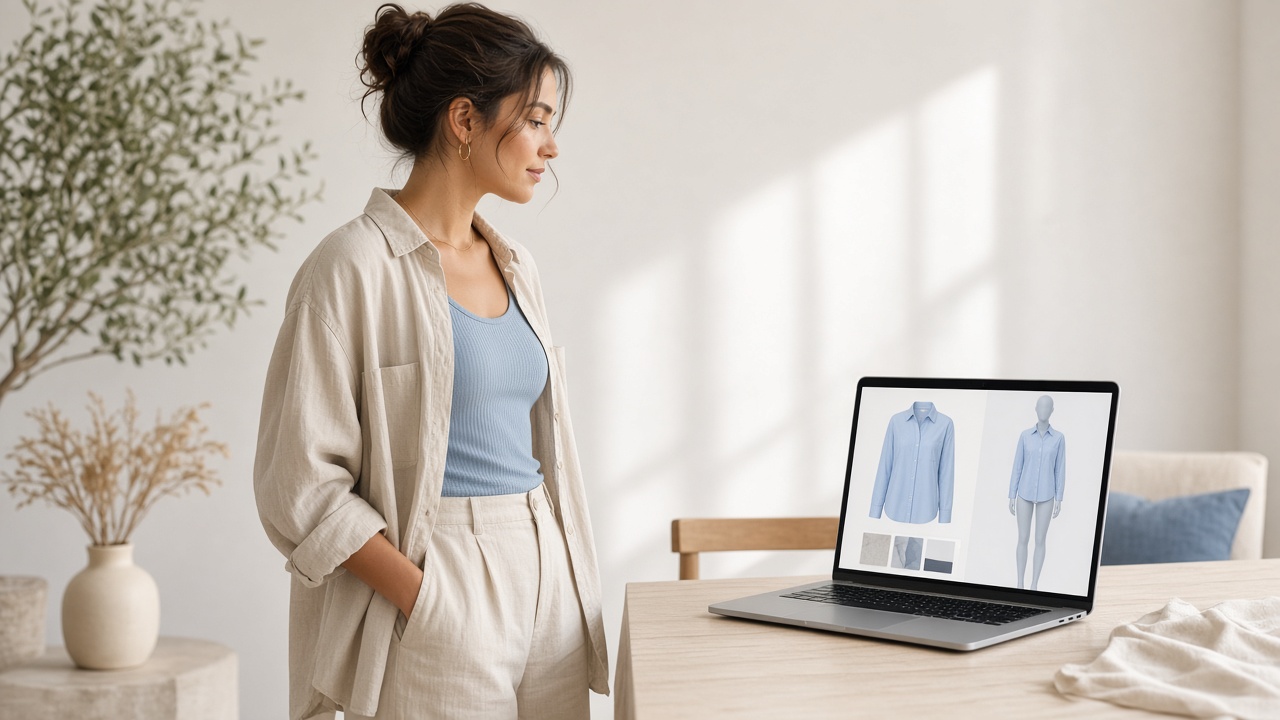
An AI outfit generator is good at one job: stacking pieces into a look you might not have picked yourself. A blazer with an unexpected knit, sneakers under a dress, a colour you usually skip. The feed fills up fast. What it cannot answer is the only question that matters at checkout — does this read well on me?
That is where virtual try-on belongs. Generators invent combinations. Try-on puts a real product photo on your photo, Live camera, or the store page you already have open. Together they close the loop from “interesting idea” to “I would wear this.”
This is not another explainer of how try-on works under the hood. It is a practical guide to using an AI outfit generator without buying something that looked perfect on a mannequin and wrong on you.
What an AI outfit generator is actually for
Most tools in this space take a prompt, a mood, a photo of your wardrobe, or a few filter chips — occasion, season, vibe — and return outfit boards. An AI stylist layer often sits on top: short reasons why the pieces work together, swap suggestions, “more formal / more casual” toggles.
Use them for:
- Breaking a styling rut when everything in your closet feels the same.
- Building a shortlist before a trip, interview, or wedding guest weekend.
- Testing colour and proportion ideas you would not sketch yourself.
- Turning “I own a navy blazer and black trousers” into three complete looks instead of one default.
Do not use them as a tape measure. An outfit board does not know your shoulder width, how a brand grades its size chart, or whether that midi hem hits mid-calf or mid-shin on you. The generator invents combinations; fit and proportion still need a body in the picture.
The gap between a generated look and a wearable one
Open any AI outfit generator long enough and you will notice the same pattern. The model on the board is tall, lit evenly, and wearing a sample that already fits. Your product page shows a flat lay or a different model. Your mirror shows you.
Three gaps show up every time:
- Proportion. A cropped jacket that looks sharp on a 5'10" board can cut you in the wrong place. Generators rarely simulate that on your torso.
- Colour on skin and hair. “Soft sage with cream” can be lovely in a palette card and muddy against your undertone. You only see that on a photo of yourself.
- Real SKUs. Some boards are mood images, not buyable product shots. Even when they link out, you still need to confirm the exact garment on the merchant page.
Virtual try-on does not invent a better outfit. It answers a narrower, more useful question: given this product image and this photo of you, does the look hold up?
Pair the generator with try-on in four steps
A workflow that stays honest and fast:
- Generate a shortlist, not a wardrobe. Ask the AI outfit generator for three to five looks for a specific occasion. Save the ones you would actually buy or already own pieces for.
- Resolve each look to real product pages. Open the exact jacket, dress, or shoes on the store you trust. Prefer full-front product photos over cropped detail shots — try-on needs a clean garment image.
- Try the outfit on your photo or Live. In TryOnAnytime Studio, upload your fitting photo once (or use Live) and drop in each garment. Or stay on the product page and run try-on from the Chrome extension so you never lose the size chart tab.
- Keep only what survives the preview. If the colour dies on you, or the hem lands oddly, drop that piece and regenerate a swap — do not talk yourself into “it will look better in person” when the preview already disagrees.
You are not asking the generator to dress you. You are asking it for candidates, then using try-on as the filter.
Mid-check: try one look on a real product page
If you already have a product tab open from an outfit board, install the extension and run a single preview before you add to cart:
Try clothes on any store page with the Chrome extension →
Upload a fitting photo once. The panel reuses it across shops. Payment stays on the merchant site — try-on does not touch checkout. For the install path, privacy notes, and what the extension will not do, see Virtual try-on Chrome extension.
Prefer a clean workspace with side-by-side garments? Use Studio instead; same idea, no install.
Where an AI stylist helps — and where it should stay quiet
An AI stylist is useful when it explains why two pieces work: contrast, repetition, formal register, seasonal weight. That coaching shortens the time you spend staring at a board.
It should stay quiet when the question is personal fit. “This silhouette flatters most pear shapes” is a population guess. Your photo is not a population. Let try-on speak there. The stylist proposes; the preview decides.
Same honesty for occasion prompts. “Job interview outfit” or “wedding guest” boards are starting points. Lighting, venue dress codes, and how formal you want to look still need your judgment after you have seen the clothes on your frame.
Honest limits (read these before you trust a board)
- Generators invent; they do not measure. No AI outfit generator replaces a size chart. Keep the merchant’s guide open.
- Try-on is a look check. Colour, proportion, hem placement — yes. Chest measurement and brand grade rules — no. Details live in Where try-on struggles.
- Bad garment photos stay bad. Tiny thumbnails, heavy crops, sheer fabrics, sequins, and dense prints degrade the preview the same way they do everywhere else.
- Mood boards are not receipts. If the board cannot point to a real product image, you cannot try it on. Skip or replace that piece.
- Phone-first shoppers: the extension lives in desktop Chrome. On a phone, use Studio; the trade-off is covered in Virtual try-on app vs browser.
None of this makes generators useless. It just keeps them in the ideation lane where they belong.
Extension, Studio, or both
| Path | Best when | Skip when | | ------------------------------------------------------ | ---------------------------------------------------------------------------------- | ------------------------------------------------- | | Chrome extension | You browse product pages in desktop tabs and want preview without leaving the page | You shop almost only on a phone | | Studio | You want a clean workspace, paste product images, compare two looks | You need the preview glued to a live product page | | Generator alone | Mood boards and “what if” colour ideas | You are about to click Buy |
Most people who get value from this stack use the generator for shortlists and try-on for the last filter — not one tool for everything.
Who this workflow is for
- You open outfit boards weekly and still bounce at checkout because nothing looked right “on you.”
- You shop across indie labels and marketplaces, not a single brand’s own app.
- You already have a decent full-body photo you are willing to reuse as a fitting photo.
- You want an AI stylist for ideas, not a chatbot that pretends it knows your measurements.
Skip the stack if you already know every brand’s size by heart and only need inspiration moodboards — a generator alone is enough. Skip try-on if you refuse to use any photo of yourself; there is no honest workaround.
Bottom line
An AI outfit generator invents combinations you might miss. Virtual try-on tells you whether a real product from that combination survives on your body. Use the first for shortlists. Use the second — via the Chrome extension on the product page, or Studio when you want a clean desk — before you pay.
Ideas are cheap. Returns are not. Generate freely; try on before you buy.