
AI stylist online: try before you buy (not another app roundup)
 TryOnAnytime
An AI stylist is great at outfit ideas. Pair it with virtual try-on so you see the look on your body before you buy — Chrome extension included.
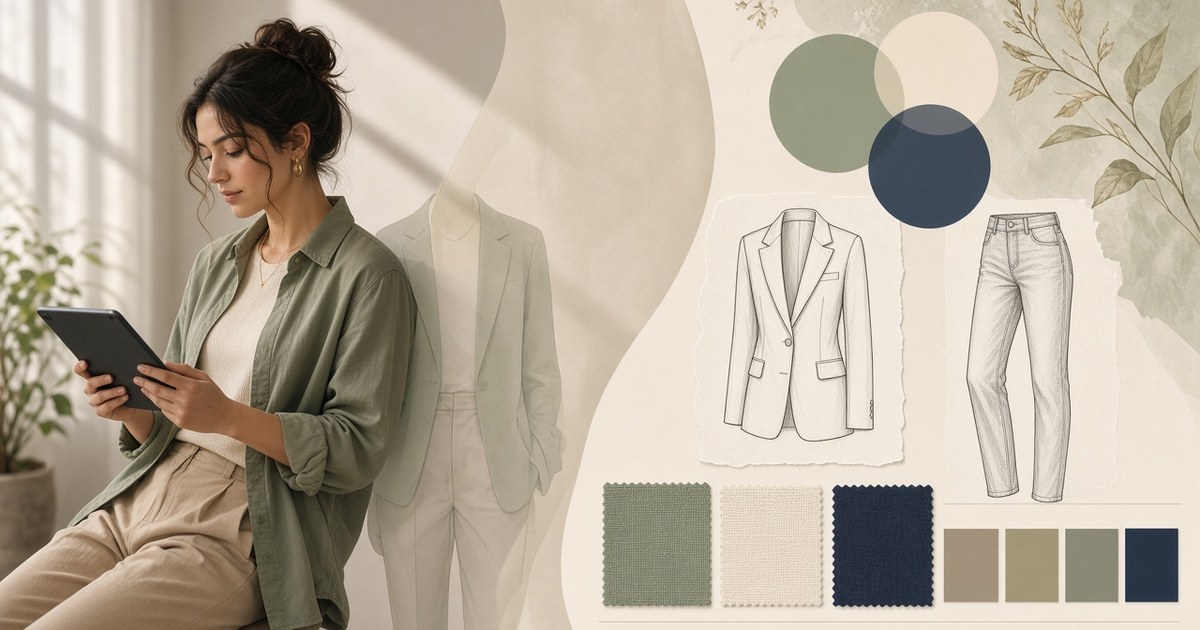
Search AI stylist and you land in the same corridor: ranked apps, wardrobe uploads, chatbots that “know your vibe,” subscription personal-stylist services with a digital coat of paint. Useful if you need a map of the category. Incomplete if you are about to spend money on clothes that still only exist as a board or a prompt reply.
An AI stylist invents combinations and explains why they might work. A virtual stylist or personal stylist online often does the same job under a softer label. What none of them can honestly claim — until you put a real product image on your photo — is that the look survives on your shoulders, your height, your undertone. That last step is try-on. This guide is the closed loop: stylist proposes, you verify, then you buy.
It is not a “best AI stylist apps” scoreboard. Roundups already own that SERP. The gap is simpler: suggestions are cheap; seeing the outfit on you is the missing filter.
What “AI stylist” usually means (category map)
The phrase covers several products that feel similar in marketing and different in practice:
- Wardrobe catalog stylists. You photograph or tag what you own; the model remixes closet pieces into looks. Strong for “wear what you already bought.” Weak when the next piece is still on a product page.
- Prompt / occasion stylists. You type “desk-to-drinks,” “wedding guest,” “casual Friday”; you get boards with colour stories and piece lists. Fast ideation. Often mood images, not buyable SKUs.
- Chat-first personal stylist online. Follow-up questions, preference memory, “swap the shoes.” Feels like a consult. Still ends on someone else’s body unless you add a preview.
- Outfit planner tools. Calendars, capsules, trip packing lists. Good for structure. Still not a fit check.
- Store-native recommenders. “Complete the look” carousels on a single brand site. Handy inside that brand; useless when you shop across tabs.
TryOnAnytime is none of those five. It is the verification layer you attach after any of them hands you a candidate — on the product page via the Chrome extension, or in Studio when you want a clean desk.
Why formula outfits still need your body in the picture
Fashion editors ship reliable formulas every season for a reason. They compress decision fatigue. What they cannot compress is you.
Examples that keep showing up in 2026 inspiration feeds — and that an AI stylist will happily echo:
- Occasion formulas. Slip skirt + leather jacket + boots for date night. Bar jacket + baggy jeans for an “updated lady” hybrid office look. Two-piece sets for wedding guest weekends. The formula is the skeleton; colour and proportion are the flesh.
- Colour confidence. Bright guest dresses, earthy greens and browns for fall, colour-blocking that looks editorial on a tall board and loud on a shorter frame under venue lighting.
- Body-aware cuts. Figure-skimming dresses, tasteful cutouts, sheer layers, draped silhouettes. Trends that reward private validation before a public room.
An AI stylist is excellent at naming these formulas and suggesting swaps. It is average — by design — at predicting where a midi hem hits your calf, or whether that sage reads clean against your skin. Treat every formula as a shortlist. Treat try-on as the rehearsal.
The closed loop: stylist proposes → you try on → you buy
A workflow that stays honest and shoppable:
- Ask for three looks, not thirty. Give the AI stylist (or virtual stylist) a concrete scene: first date, hybrid office, cocktail wedding guest, weekend trip. Cap the output. Overwhelm is how people abandon the tab.
- Resolve boards to real product pages. Open the exact jacket, dress, or shoes on stores you trust. Prefer full-front garment photos. If the board is pure mood with no SKU, replace that piece before you pretend you can try it on.
- Run try-on on your fitting photo or Live. Upload once in Studio, or stay on the merchant page and use the Chrome extension so the size chart tab never closes. Preview the hero piece first; then layer companions if the silhouette still holds.
- Keep only what survives. If colour dies on you, if the cutout lands oddly, if the blazer chops your torso in the wrong place — drop it and ask the stylist for a swap. Do not negotiate with a preview that already said no.
- Checkout stays on the merchant. Try-on is a look check, not a cart. Pay where you always pay.
You are not outsourcing taste. You are outsourcing the expensive part of guessing.
Mid-check: try one stylist pick on a live product page
If an AI stylist already sent you to a product tab, install the extension and preview once before you add to cart:
Try clothes on any store page with the Chrome extension →
One fitting photo, reused across shops. Payment stays with the merchant. For install steps, privacy notes, and hard limits, see Virtual try-on Chrome extension. Prefer a clean workspace with side-by-side garments? Use Studio; same idea, no install.
AI stylist vs outfit generator vs human consult
| Approach | Best at | Misses without try-on | | ---------------------------------------- | ------------------------------------------ | ------------------------------------------------------------------------- | | AI stylist / personal stylist online | Reasons, swaps, occasion coaching | Fit and colour on you | | AI outfit generator | Fast boards from prompts or wardrobe chips | Same — ideation without proof | | Outfit planner | Capsules, calendars, trip lists | Still a plan on paper | | Human stylist | Nuance, shopping trips, accountability | Cost and scheduling; still benefits from a photo preview between sessions | | Try-on (extension / Studio) | Look check on real product images | Not a style coach by itself |
Stack them. Do not pick one tool and expect it to do every job. A generator or stylist fills the shortlist; try-on is the gate before money leaves.
Where an AI stylist should stay quiet
Let it talk when the question is why these pieces relate: contrast, repetition, seasonal weight, how formal a room reads. That coaching shortens the stare-at-board time.
Let it stay quiet when the question is personal fit. “This silhouette flatters most pear shapes” is a population sentence. Your photo is not a population. Same for occasion anxiety threads you see on forums — “is this dress OK for a cocktail wedding?” — where strangers vote on a phone pic. Faster path: try the exact product on your fitting photo, then decide.
Honest limits before you trust any board:
- Stylists invent; they do not measure. Keep the merchant size chart open. Details on what try-on cannot replace live in Where try-on struggles.
- Bad garment photos stay bad. Tiny thumbnails, heavy crops, sheer fabrics, sequins, dense prints degrade the preview.
- Mood boards are not receipts. No real product image → no honest try-on.
- Phone-first shoppers: the extension is desktop Chrome. On a phone, use Studio; trade-offs are in Virtual try-on app vs browser.
Who this loop is for
- You already open AI stylist apps or chat tools and still bounce at checkout because nothing looked right “on you.”
- You shop across indie labels and marketplaces, not one brand’s closed app.
- You want an outfit planner mindset (shortlists, scenes) plus proof, not another wardrobe-only catalog.
- You have a decent full-body photo you are willing to reuse as a fitting photo.
Skip the loop if you only need moodboards and never buy from the board. Skip try-on if you refuse any photo of yourself — there is no honest workaround.
Bottom line
An AI stylist (and its cousins: virtual stylist, personal stylist online, outfit planner) is a fast way to name formulas and fill a shortlist. Virtual try-on is how you check whether a real product from that shortlist survives on your body. Use the first for ideas. Use the second — via the Chrome extension on the product page — before you pay.
Suggestions are cheap. Returns are not. Style freely; try on before you buy.