
Google Virtual Try-On for Clothes: What It Does (and When You Need Any-Store)
 TryOnAnytime
Google’s Shopping try-on puts eligible garments on your photo inside Search. See limits (listing-bound, categories) and when a browser/extension any-store try-on fits better.
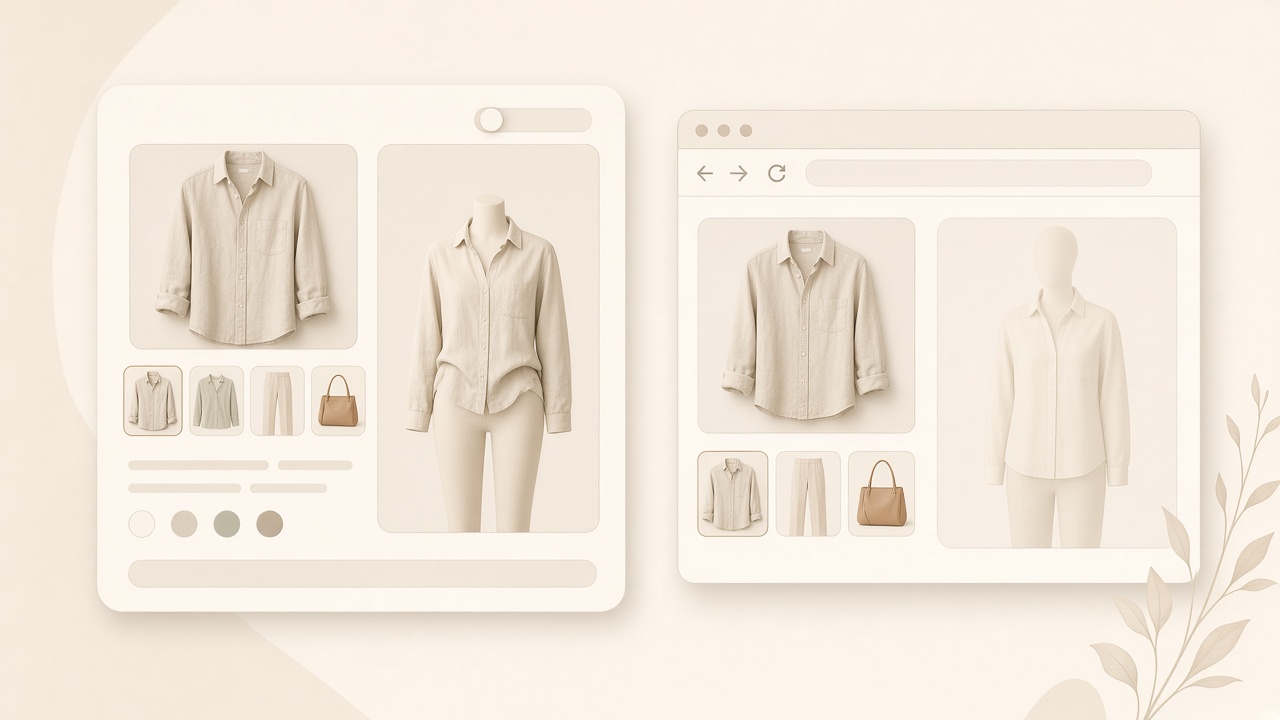
If you searched for Google virtual try-on clothes, you likely saw a Try it on button on a Shopping listing. Short answer: it works on eligible listings, inside Google's own surfaces. Here is what it is, where it stops, and what covers the rest.
What Google's try-on actually is
Google's Shopping try-on is a feature of its own surfaces. In broad terms:
- It renders a person's photo wearing a garment, directly in a shopping or search surface.
- Garments come from retailers in Google's shopping data, so images travel with the listing rather than being something you paste in.
- Availability is gated: eligible categories, participating merchants, regions where the feature has rolled out.
- The result is a look preview, not a measurement. Google is not telling you your size.
That is a useful shape. You are already comparing listings, the button sits in the flow, and there is nothing to install.
What it is good at
- Minimal setup for shoppers. No extension and no extra tab.
- Mainstream apparel with clean feed data. Solid imagery and complete attributes give the preview a better chance of looking right.
- Comparison inside one surface. Same photo, several listings, back to back — where model photos stop helping.
- Normalising the idea. A button in Search teaches shoppers that previewing a garment is reasonable.
Where it stops
These are limits of the surface, not flaws to dunk on:
- Listing-bound. If the product is not in Google's shopping data, there is no button. An indie shop's product page is not a listing.
- Category-bound. Coverage concentrates in apparel and accessories; swimwear, tailoring and structured pieces are patchier than a tee.
- Region and rollout. A feature in one market may be absent in another, and availability changes.
- A fixed input flow. You use the retailer's photography and Google's flow rather than choosing any garment image or carrying one workflow across independent stores.
- Not a fit tool. A convincing preview says nothing about where the shoulder seam sits.
When an any-store path fits better
If your shopping spans independent stores, marketplaces and secondhand listings, a listing-bound feature misses most of it. A browser-based try-on works from any product image you can see:
- Any store, including shops that never joined a program. The any-store try-on flow starts where you are.
- One photo, reused. Upload once, then run several garments without re-shooting per site.
- Consistent comparison. Same selfie, same light, two colourways — comparable instead of two model shots.
- Your own history. Results stay in your account rather than vanishing with the tab.
The tradeoffs are real: you upload a photo explicitly, each generation takes seconds, and it costs credits. That is the price of covering stores no shopping program indexes.
Photo or live camera?
Google's feature is photo-based, and so is the most reliable path generally. A still gives a clean, stable reference; live camera suits a quick proportion check better than judging print and drape. See photo vs live virtual try-on and AR vs AI virtual try-on. For a good source photo, use try clothes online with photo.
A practical way to use both
- When a Try it on button appears on a listing you were already considering, use it — it is already in your shopping flow.
- When it does not, do not assume try-on is unavailable; take the product image to a browser path instead.
- Judge three things either way: colour on your skin, print scale, length or silhouette.
- Confirm the size from the retailer's chart. No preview replaces a tape measure.
Soft CTA: paste any product image URL into studio and see it on your own photo — whether or not the store is in a shopping program.
Explore more on the Try On Anytime homepage.