
Try On Anytime vs FitRoom: Which AI Photo Try-On Fits You?
 TryOnAnytime
Fair comparison: any-store shopping try-on (web + Chrome) vs FitRoom-style clothes changer + seller API. Criteria for shoppers and small merchants—no smear.
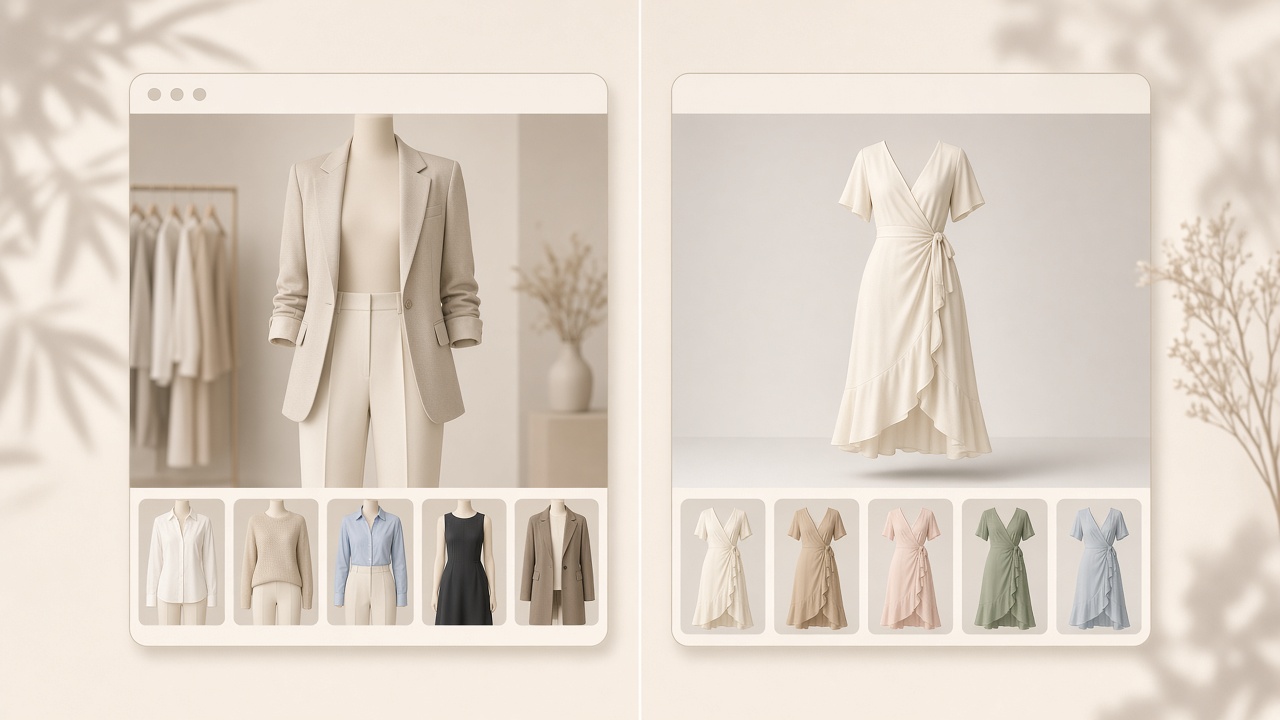
Both products output a photo of a garment on a person. The difference is the job each one defaults to — and that decides who should use which.
Disclosure: we build Try On Anytime. FitRoom facts below come from their public site as of October 24, 2026; verify what matters to you.
What each one is
Try On Anytime is a shopping try-on tool: your photo plus a garment image from any store, rendered into a still of that garment on you. It runs in a web studio with a live camera option, a Chrome extension for product pages, a merchant embed script, and an API. Generations are billed in credits.
FitRoom is an AI clothes changer. Per its own site, you upload an outfit image and either upload a portrait or pick a pre-made model, and it composites the garment onto that person — roughly 10–15 seconds per image in its published claim, HD downloads, an iOS app, and a Try-On API for apps and websites. It also markets to shoppers trying looks on their own photo, which is a legitimate use.
Where the difference actually bites
- Garment source. Both accept an uploaded outfit image. Ours runs on the product page you are browsing; FitRoom moves the image into its own app.
- Who the "model" is. Ours assumes it is you and preserves your photo. FitRoom is equally comfortable with a stock-style portrait, which is why sellers use it for catalogue shots.
- Output intent. Ours targets a buy-or-skip read: colour on your skin, print scale, length. A changer targets a convincing, shareable image — related, not identical.
- Portability. Our Chrome extension follows you across stores. FitRoom's flow lives in its web and mobile apps, so each garment is a visit there.
- Seller path. Both publish an API. Ours is metered in credits; FitRoom's terms are on their pricing page, and we will not quote numbers we have not verified.
If you are a shopper
Choose Try On Anytime for "this exact listing, on me, before I pay" — especially if you shop several stores in a week and want one photo reused in a browser tab.
Choose FitRoom when you want styling play: outfit ideas, a polished image to post, or trying a look on a model-like portrait rather than your own photo.
Honest verdict: a portable any-store flow fits purchase decisions better; a changer is purpose-built for image-making. Neither is better in the abstract.
If you are a small merchant
- A try-on button on your product pages this week → our embed script, one line, checkout untouched: merchant embed.
- Volume catalogue shots on models → a changer workflow is closer to that job.
- Programmatic access from your backend → compare input formats, latency, and per-image cost, not demo images: try-on API for stores.
- Many storefronts → the any-store path is the consumer version of the same argument.
What both get wrong to promise
- Size. Neither replaces a size chart. A preview shows how a garment reads; it does not output "you are an M". Keep the chart beside the button — size recommendation vs virtual try-on.
- Fabric fidelity. Sheer material, sequins, tiny logos, and extreme poses are misses for both. FitRoom's own testimonials mention sequins and stretch fabrics; ours are in where try-on struggles.
- Certainty. A generated image is a preview, not a guarantee of the parcel.
Three questions that settle it
- Does the garment live on a product page you are browsing, or in a folder of outfit images?
- Do you need it to be you in the output, or is a model-style portrait fine?
- Is the goal a purchase decision or an image to publish?
Two "product page / me / decision" answers point at studio. Two "outfit folder / model / publish" answers point at a clothes changer — what is an AI clothes changer. For the wider field, see best virtual try-on apps.
Soft CTA: run the garment you are undecided about through studio before comparing pricing pages.