
Virtual Try-On for Ecommerce: A Practical Guide for Fashion Stores
 TryOnAnytime
How fashion stores add AI photo try-on: photo vs AR, PDP placement, privacy, metrics, and embed vs API—without promising try-on replaces your size chart.
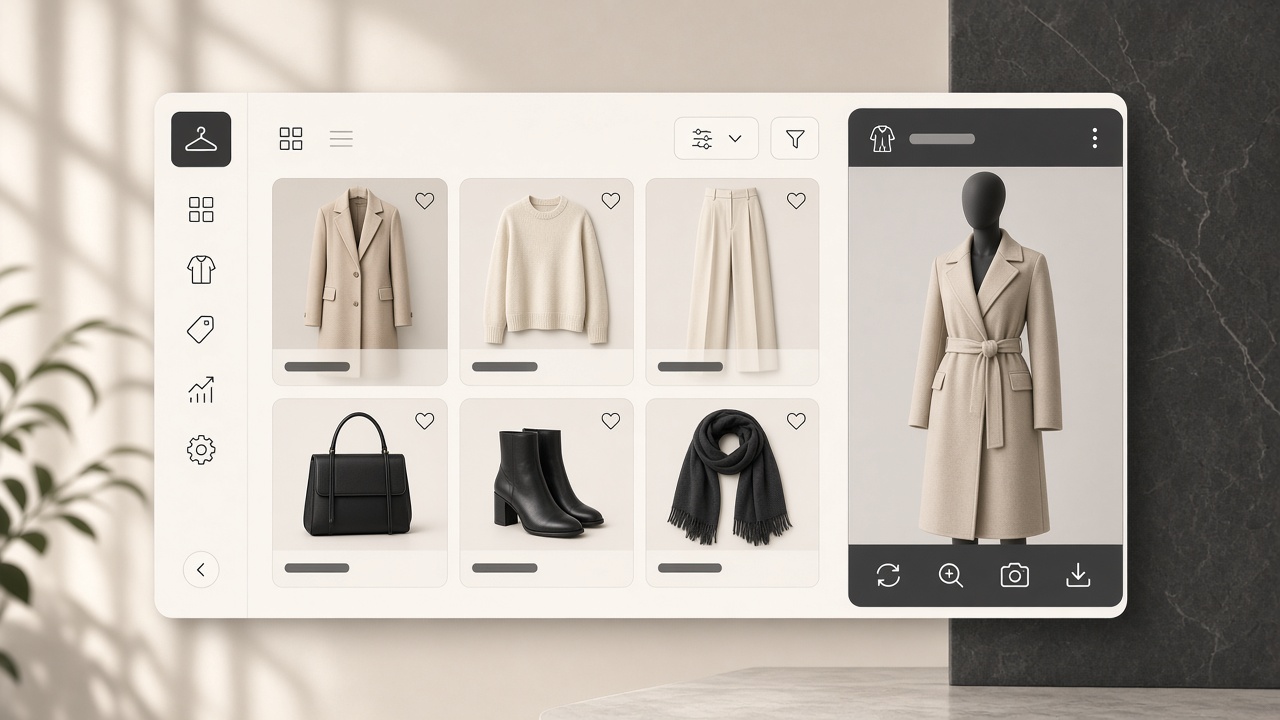
Most virtual try-on decks sell a feeling: fewer returns, happier shoppers, a modern storefront. None of it is automatic. What decides whether try-on helps: what kind, where it sits, what you promise, how you measure.
1. Start with the job, not the technology
Write down the return reason you want to reduce. "Looked different than expected" is a look problem — print, colour, length, silhouette — and try-on addresses it. "Wrong size" is a measurement problem a preview cannot solve; you need a size chart people read.
2. Photo try-on or AR overlay?
- AR overlay tracks a live camera and draws a prepared garment asset on top — strong for rigid accessories, weak for cloth.
- AI photo try-on generates a new image of the garment on the shopper's photo — strong for apparel decisions.
Photo try-on is the better default for a fashion catalogue; AR is a complement. Full comparison: AR vs AI virtual try-on.
3. Where it lives on the product page
- On or beside the product media, where the shopper is already looking.
- Next to the size chart, not instead of it. Both labelled: one shows the look, one gives numbers.
- Never in checkout. Try-on is a consideration tool; generation steps at payment lose the sale.
4. Be precise about privacy
Shoppers upload a photo of their body. Say plainly:
- it uploads only on generate, not on page load;
- what happens afterwards, and how to delete results;
- whether it trains anything (for us: no);
- that it is a visual preview, not biometric analysis.
One line under the button beats a policy page nobody opens.
5. Pick metrics you can defend
- Try-on tap rate — is the placement discoverable?
- Generation completion rate — do people finish, or abandon at upload?
- Add-to-cart after try-on against traffic without it.
- Return reasons, especially "looked different".
- Support tickets mentioning fit or appearance.
Do not report attributed revenue from a small sample, or a vendor case-study percentage that is not your catalogue.
6. Embed or API?
- Embed script for a product-page widget in an afternoon, checkout untouched. Shopify merchants start at the Shopify virtual try-on guide; the generic snippet is in merchant embed one-liner, with a walkthrough at /embed.
- HTTP API for a custom storefront, mobile app or batch catalog jobs needing full UI control: virtual try-on API for stores.
- Both is a legitimate end state, on one credit ledger.
7. Rollout checklist
- Pick one collection with a high "looked different" return rate.
- Put the button on the product media with a one-line promise and a privacy note.
- Keep the size chart visible and unmerged from the try-on flow.
- Run two to four weeks, then review return reasons and tickets — not tap counts.
- Expand by category, checking failure types: sheer fabric, heavy sequins, tiny logos.
8. What not to promise
Do not say try-on replaces your size chart, or that it shows exactly how a garment will fit. Do not quote a return-reduction percentage you have not measured on your catalogue. Shoppers forgive a preview that admits being a preview; they do not forgive a generated image sold as measurement.
Try-on answers "how will this look on me"; the chart answers "which size". Together they cut the two biggest reasons things go back — the argument in reduce returns with virtual try-on.
Soft CTA: test the shopper experience in studio before writing store copy — you write better copy after seeing the output on a real photo.
Explore more on the Try On Anytime homepage.