
Virtusize vs AI Virtual Try-On: Size Confidence vs Seeing It On You
 TryOnAnytime
Virtusize-style size widgets answer “which size?”; AI photo try-on answers “how will it look?” When merchants and shoppers need each—or both.
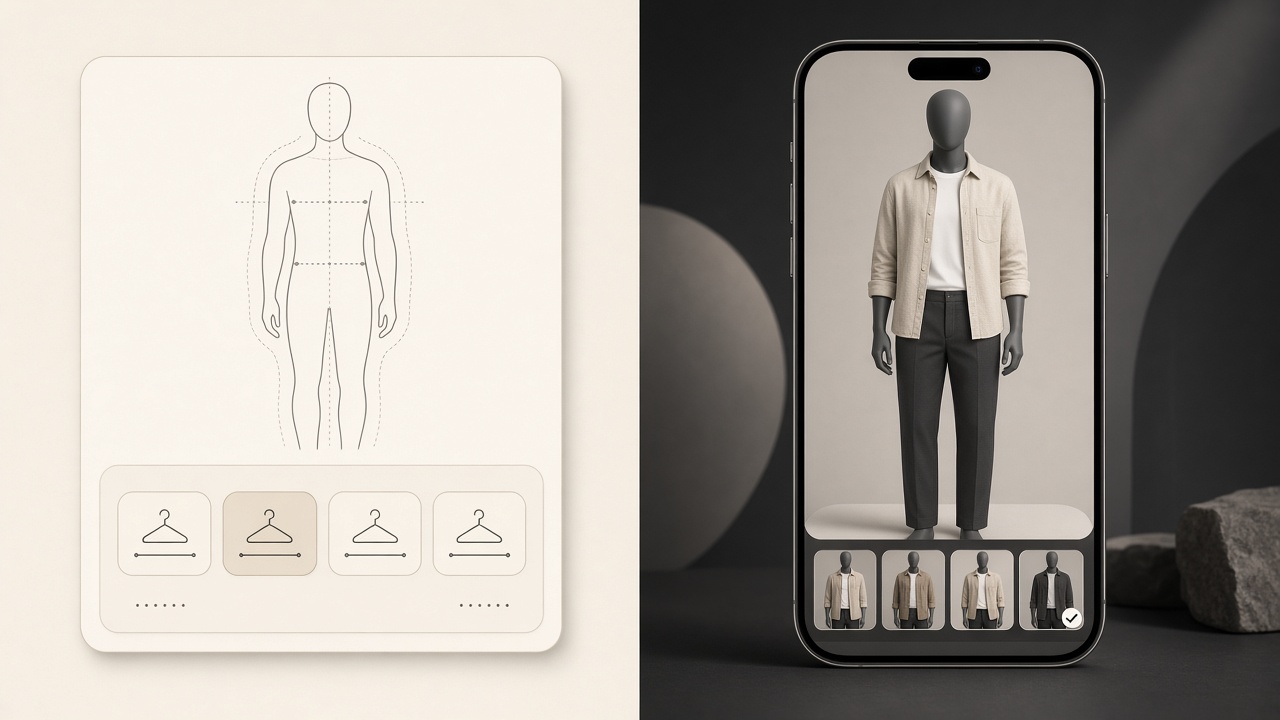
Virtusize and photo try-on get framed as rivals. They are not competing for the same question, and the useful framing is simpler: a merchant can install both without contradiction.
Disclosure: we build Try On Anytime, a photo try-on product. Virtusize facts are from its public site as of October 24, 2026; check theirs before deciding.
What Virtusize is, publicly
- A fit-and-size layer for fashion e-commerce, sold to merchants rather than to shoppers directly.
- Size recommendation built from the store's size data plus shopper fit profiles — its site cites 250,000+ profiles and recommendations in under 30 seconds.
- Visual size charts ("Virtusize Table") that make a brand's chart comparable across brands.
- A shopper fitting experience with avatars, redesigned in September 2026 per its news page — fit visualisation built from profile data, not a photo of the shopper in the garment.
- Distribution: two script tags on Shopify, Magento, WooCommerce, Salesforce Commerce Cloud, BigCommerce, or headless; size data goes in as CSV, Excel, or PDF and is normalised on their side.
- Scale claims: 500+ fashion brands and vendor-published client case numbers on return reduction. Treat those as vendor-reported, not independently audited.
What photo try-on is
You supply a photo of yourself and a garment image from any store; the model renders a still of that garment on you. No size output, no body scan, no merchant installation. The mechanics and the honest misses are in how virtual try-on works.
Two different questions
- "Which size do I order in this brand?" → a size widget with that brand's chart and fit data. Only the merchant can supply the chart, which is why the widget lives inside the storefront.
- "How will this look on me?" → photo try-on. It needs pixels, not measurements, so it works on stores that installed nothing.
- "Will it be tight across the chest?" → neither, reliably. Fabric composition, the chart, and reviews are better evidence.
Each fails where the other cannot help: a widget can correctly say M while the colour washes you out; a preview can look right while the shoulder seam sits an inch off. Same split as size recommendation vs virtual try-on, applied to a merchant's actual stack.
For merchants: they stack, and they own different data
- Size widget near the chart and add-to-cart. It needs your size feed and a one-time install.
- Try-on beside the product media, where the shopper judges the look. It needs images you already publish: merchant embed one-liner.
- Label them differently. "Find my size" and "See it on me" are two promises; one button for both teaches shoppers to distrust each.
- Measure different outcomes. The widget should move size-related returns and exchanges; try-on should move "looked different" returns and add-to-cart confidence — see virtual-try-on for ecommerce.
- Promise only what each delivers. A generated image is not a tape measure; a recommendation is not a guarantee the cut suits you.
For shoppers
- Store has a size widget: use it for size, then judge the look. No try-on there? An any-store path covers the second half — any-store try-on.
- Store has neither: read the chart, then preview the size you would actually order, not a wishful size up.
- Tempted to size up to fix a silhouette you dislike: don't — the cut does not change, and that purchase becomes a return.
Why branded framing matters
Generic advice says "use both". The merchant version is sharper: the size layer is a data integration — your charts, platform, and fit profiles — while photo try-on is a media integration — your existing images and a button. One is a data project, the other a script tag, and knowing which is which keeps a launch from stalling.
Both reduce returns for different reasons, which is the argument in reduce returns with virtual try-on.
Soft CTA: if you are a shopper, test the look half in studio. If you run the store, start with the embed and keep your size chart exactly where it is.