
What to wear to a job interview (and try it on first)
 TryOnAnytime
Job interview outfit ideas that survive on your body — a scene checklist plus virtual try-on on the product page before you buy or wear it.
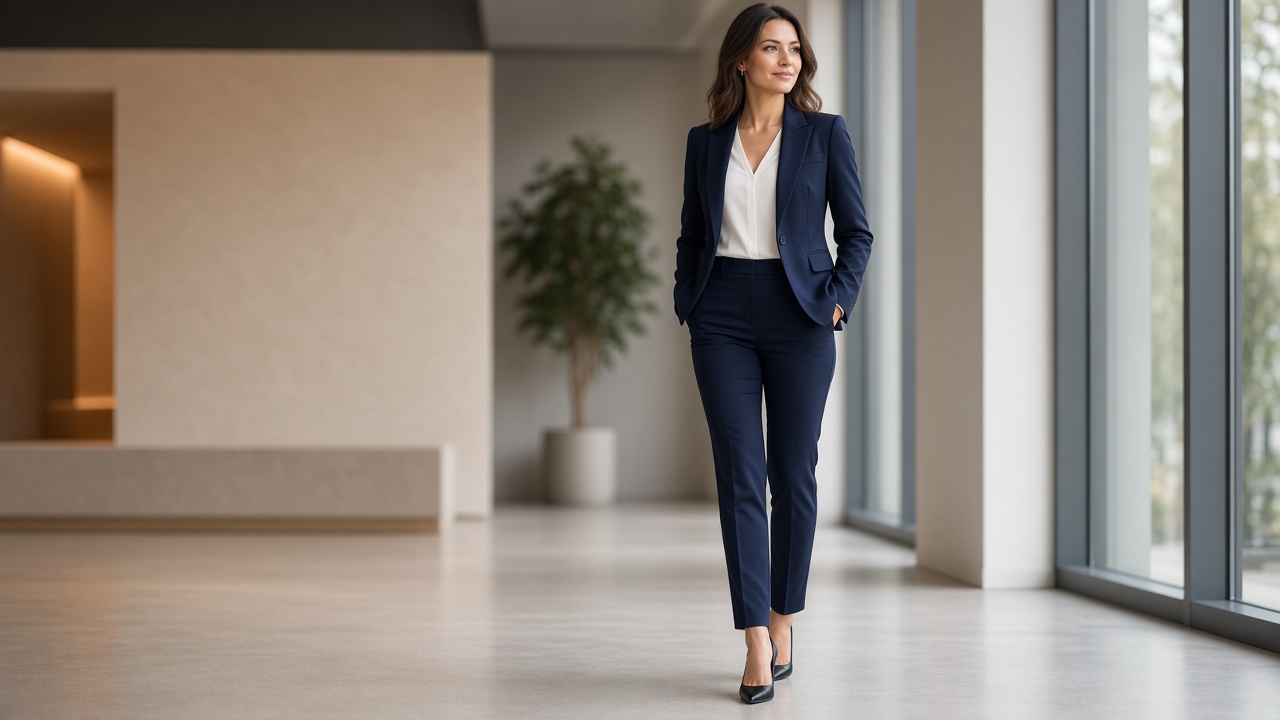
Search what to wear to a job interview and you get the same polished lists: navy blazer, white shirt, closed-toe shoes, “dress one notch above the office.” Useful as a starting map. Useless at 11 p.m. the night before, when you are staring at three tabs of almost-identical jackets and still do not know which one reads sharp on you.
This guide is not another Forbes-style authority ranking of interview uniforms. It is a scene checklist plus one habit that cuts returns and second-guessing: try the exact product on your photo — or Live — before you buy it or pack it. TryOnAnytime does that on the store page via a Chrome extension, or in a clean Studio workspace when you want side-by-side looks.
What “interview-ready” actually means
Interview clothes have one job: let the conversation stay about your work. Anything that pulls focus — wrong hem, colour that dies under fluorescent light, a jacket that pulls across the shoulders on camera — is noise.
That is why generic job interview outfit ideas only get you halfway. The shortlist is shared across industries. Your shoulders, height, skin undertone, and the room you will sit in are not. A look that works on a stock model can still fail the two-second mirror test.
Treat every board or list as candidates. Treat try-on as the filter.
Scene checklist (pick your room first)
Before you shop, name the interview. Dress codes shift more with setting than with gender.
In-office, formal or finance / law / consulting
- Dark suit or tailored separates: navy, charcoal, deep brown.
- Crisp shirt or blouse; keep necklines simple for sitting and standing.
- Closed-toe shoes you can walk in without fidgeting.
- Minimal jewellery; bag that does not fight the silhouette.
Goal: quiet competence. Save the statement piece for after the offer.
Business casual interview (startup, creative, hybrid HQ)
- Business casual interview does not mean jeans and a hoodie. Think: structured trousers or a midi skirt, knit or button-down, blazer optional but ready.
- One elevated piece (blazer, leather loafers, sharp belt) so you do not look underdressed if the panel is sharper than the careers page suggested.
- Avoid loud logos and distressed denim unless the company culture is explicitly that casual and you have confirmed it.
Video interview from home
- Same polish from the chest up as you would wear on site — camera crops, but recruiters notice when the “nice top” sits on pyjama bottoms you keep adjusting.
- Test colour on your webcam and wall colour. Soft pastels and neon both wash out on cheap laptop cams; mid-tones usually hold.
- Check collar height and necklace length while seated — most video interviews are seated.
Women’s interview outfit notes
A women’s interview outfit can be a suit, a dress with a blazer, or tailored separates. Priorities that lists often skip:
- Sit-test the skirt or dress hem. What looks fine standing can ride up in a conference chair.
- Heel height you can walk and stand in for a campus tour.
- Fabric that does not cling under stress or AC.
Men’s interview outfit notes
A men’s interview outfit still defaults to suit or sport coat + trousers for many fields. Priorities:
- Jacket shoulders that sit clean — the first thing a panel clocks in person.
- Tie optional when the role is casual; bring one if you are unsure and leave it in the bag.
- Shirt that stays tucked when you reach to shake hands or open a laptop.
None of these replace industry research. They stop you from shopping blind.
The gap lists never close
Open ten “what to wear to a job interview” articles and you will see the same product categories. Open ten product pages and you will see different models, different lighting, different size grades.
Three gaps show up every time:
- Proportion on your frame. A cropped blazer that looks intentional on a tall editorial model can cut you at the wrong rib. Lists do not simulate your torso.
- Colour on your skin and hair under interview light. “Soft blue” can look calm on a mood board and grey or harsh on you in office LEDs or a Ring-light video call.
- Real SKU vs mood image. Inspiration boards rarely match the exact garment hanging on the merchant site. You still have to open the product photo you will actually buy.
Virtual try-on does not invent a better dress code. It answers a narrower question: given this product image and this photo of you, does the look hold?
Try-on-first workflow (before you buy or wear)
Use this when you already have a shortlist from a list, a stylist, or your own closet:
- Lock the scene. Office formal, business casual, or video — one primary scene per shortlist so you do not mix dress codes.
- Resolve to real product pages. Prefer full-front photos. Tiny crops and lifestyle shots with busy backgrounds degrade any preview.
- Run try-on on your fitting photo or Live. Stay on the product page with the Chrome extension, or paste garments into Studio to compare two jackets side by side.
- Keep only what survives. If the colour dies or the hem lands oddly, swap the piece. Do not talk yourself into “it will look better in the fitting room” when the preview already disagrees — especially when the store has a restocking fee or slow returns.
You are not asking software to pick your career wardrobe. You are asking it to stress-test candidates before money leaves the card.
Mid-check: preview one jacket on a live product page
If you already have a blazer or dress tab open, run one preview before you add to cart:
Try clothes on any store page with the Chrome extension →
Upload a fitting photo once. The panel reuses it across shops. Payment stays on the merchant site — try-on does not touch checkout. Install path, privacy notes, and limits: Virtual try-on Chrome extension.
Prefer a clean desk with two looks side by side? Use Studio; same idea, no install.
Build a shortlist that survives the day
A practical job interview outfit ideas shortlist is three looks, not thirty boards:
| Slot | Purpose | Try-on focus | | ----------- | -------------------------------------- | --------------------------------------- | | Primary | What you plan to wear | Colour + shoulder/hem on your photo | | Backup | Same formality, different top or shoes | Fast swap if primary wrinkles or spills | | Soft option | One notch less formal | Only if the role is clearly casual |
Photograph or save the product URLs. The night before, do not reopen twenty tabs — reopen the two that already passed try-on.
If you are pulling from a closet you already own, still shoot a full-length mirror photo in the interview lighting you expect (or near a window that mimics it). Muscle memory lies; a still frame does not.
Honest limits
- Try-on is a look check. Colour, proportion, neckline, hem placement — yes. Exact chest measurement and brand grade rules — no. Keep the merchant size chart open. More detail: Where try-on struggles.
- Bad garment photos stay bad. Sheer blouses, sequins, dense prints, and heavily cropped thumbs will preview poorly. Ask the store for a better angle or skip.
- Dress codes are social, not visual alone. Try-on will not tell you whether a creative agency expects sneakers. That is research — LinkedIn photos of the team, the recruiter’s cue, the office tour notes.
- Phone-first shoppers: the extension lives in desktop Chrome. On a phone, use Studio; trade-offs: Virtual try-on app vs browser.
None of this makes classic advice useless. It keeps the advice in the ideation lane and puts the final call on a preview of you.
Who this is for
- You have an interview this month and three almost-right jackets in open tabs.
- You dress for business casual interviews often and still second-guess “too casual / too stiff.”
- You buy across brands and marketplaces, not one label’s fitting-room app.
- You are fine uploading one fitting photo to reuse across shops.
Skip try-on if you refuse any photo of yourself — there is no honest workaround. Skip the shopping workflow if your company issues a uniform; the checklist still helps for the video round.
Bottom line
What to wear to a job interview is a scene decision first, a shopping list second, and a on-your-body check last. Use classic job interview outfit ideas to build a short women’s or men’s shortlist for formal, business casual, or video. Then try the exact product on your photo — via the Chrome extension on the store page, or Studio when you want a clean compare — before you buy or wear it.
Lists are cheap. Returns and a distracted first impression are not. Checklist the room; try on before you commit.