
Virtual try-on app vs browser: which should you use?
 TryOnAnytime
Compare installable try-on apps with in-browser photo and live camera flows — install cost, stores you can actually cover, privacy, and when a Chrome extension earns its place.
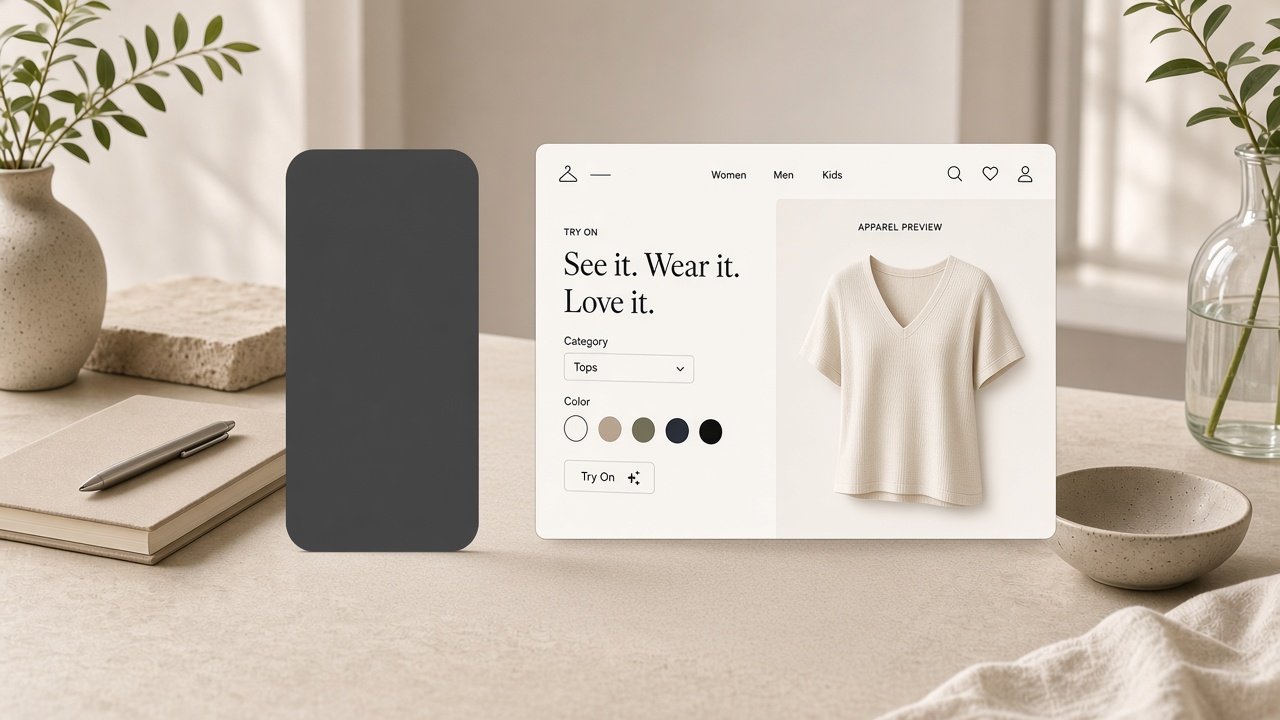
Search results for virtual try-on app are full of App Store tiles: each one wants a download, an account, and a permission before it shows you anything. That is a fine trade if you live inside a single brand. Most people do not — they shop across a dozen sites a month, and each site has its own return policy, its own size chart, and its own idea of what a product photo should look like.
So the more useful question is not "which app" but do you need another app at all, or a browser workflow that travels with you? Here is the honest split, including the cases where the app genuinely wins.
The three shapes, side by side
- Native or brand app. Installed, logged in, tied to one catalogue. Fast and polished, but the garment has to exist in that app's world. Your favourite indie shop is not in it.
- Browser studio. Open a page, upload or paste a garment image, get a preview. No install, no account required to look, works on any store whose product image you can point at.
- Browser extension. Optional install, lives in your toolbar, reads the product page you are already on so you skip the copy-paste step. The most convenient of the three when it exists for the store in front of you.
What each one costs you
- Install cost. App: a download, an account, often a sign-in you will forget. Browser: none — open a URL. Extension: a one-time install.
- Coverage of indie and marketplace product pages. App: usually none. Browser: yes, if you can paste a URL or upload the image. Extension: yes, directly from the page.
- Live camera. App: often, sometimes with better mobile handling. Browser: yes, over HTTPS. Extension: depends on the build.
- Where checkout happens. App: inside that brand, sometimes with its own wallet. Browser and extension: on the merchant's site, which is the point — payment stays where you already trust it.
- Best when. App: you only buy one label. Browser: you compare SKUs across shops. Extension: your browser already has fifteen tabs open.
We built the browser path first on purpose: open studio, choose Photo or Live, keep payment where it is. The extension exists for people who want the same thing without the paste step.
When an app still wins
- The brand already knows you. Its app has your size profile and order history, so try-on slots into a flow that is already personalised.
- You want notifications more than previews. Restock alerts and drop reminders are app jobs; try-on is not why you installed it.
- Your phone browser is locked down. Some managed devices block camera permissions in the browser entirely, and an app with its own permission model is the only thing that works.
- Offline-first use. Cache a few garments and preview them on a plane. Rare, but real.
If that is you, install their app and enjoy it. Our job is the other case: the shopper who bought from four different shops this month and none of them shipped a try-on button.
Privacy, in plain language
- Photo try-on uploads the images needed to render the result. Treat it like any cloud edit of a personal photo, because that is what it is. Retention and deletion are in virtual try-on privacy.
- Live camera needs an explicit permission, and a remembered "block" can only be undone in site settings. The studio surfaces that empty state rather than pretending the camera works — if you once clicked block and nothing happens now, that is why.
- The extension keeps more of the loop in the browser. That is the practical difference between the extension and pasting a URL into a web page: fewer places your fitting photo has to travel through.
- We do not ask you to move checkout into our domain. No wallet, no stored card, no reason to change where you pay.
Limits that travel with all three
Whichever shape you pick, the same failures follow: soft or uneven light, sheer and shiny fabrics, heavy patterns, extreme poses, and product shots that crop the garment. They are listed honestly in where virtual try-on struggles, and they are worth reading before you judge a tool on one bad render.
The other constant: none of these measure you. A preview answers "does this colour and silhouette work on me" — it does not answer "am I an M or an L in this brand". Keep the size chart beside the preview; the split is spelled out in size recommendation vs virtual try-on.
Merchant and builder note
Shops that want try-on without rebuilding checkout should start with the embed snippet — one script tag, a publishable key, and the product image you already serve. Builders who need keys, batch jobs, or agent tools should read the API-oriented post and the /developers reference first, because half of those projects turn out to need a widget rather than an integration.
If you are weighing tools more broadly, best virtual try-on apps in 2026 puts the shapes in one place with dated facts. And if you are choosing between a still and a moving preview, photo vs live virtual try-on is the narrower comparison.
Bottom line
If your search was "best virtual try-on app", try the browser before you install anything: open studio, paste a garment you are actually considering, and judge the result. Add the extension only if you already hop storefronts all day and the paste step annoys you. Install a brand app only when that brand is most of what you buy.
And keep the size chart next to every preview, whichever shape you choose.
Explore more on the Try On Anytime homepage.