
Be Your Own Model: Try Clothes on Your Photo Online
 TryOnAnytime
Skip lookalike models—upload one full-body photo and see garments on yourself. AI photo try-on for style and drape; still use the size chart for fit.
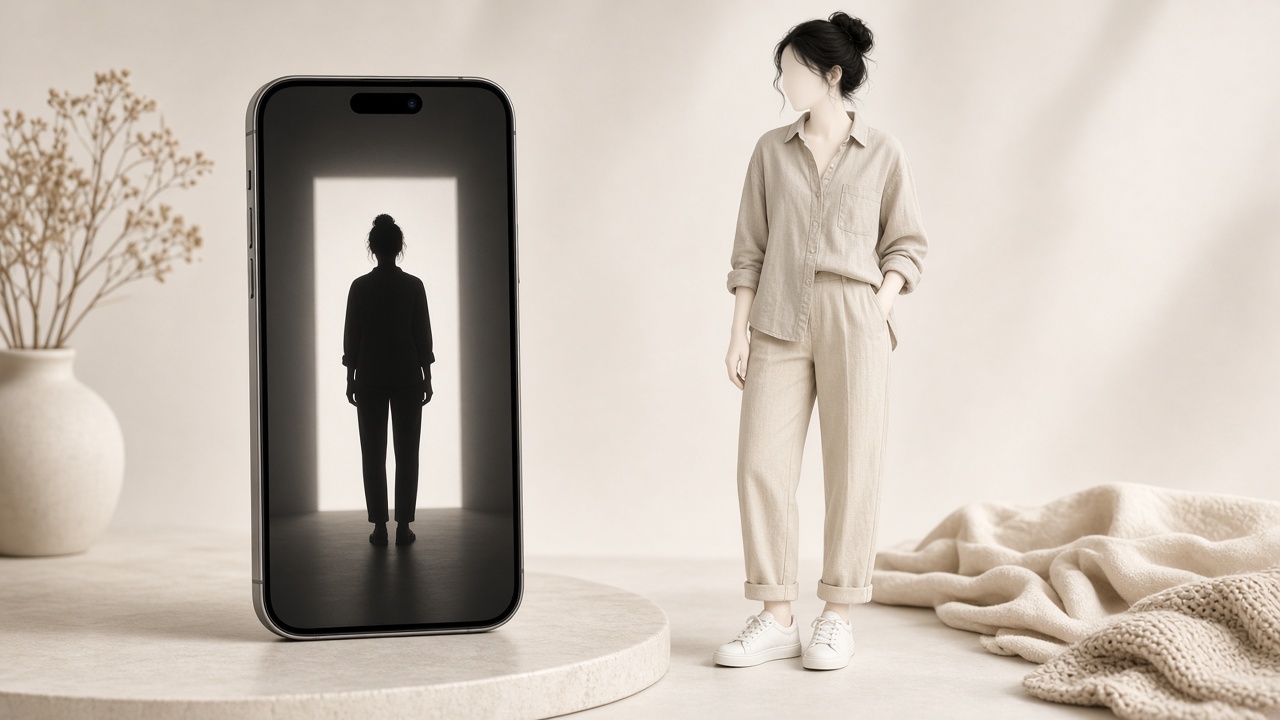
Product pages show a garment on someone who is not you: different height, different shoulder line, different way of standing. You mentally paste yourself in and guess wrong — usually on length and print scale. Being your own model removes that step: one photo of you, one product image, one preview on your own body.
What "be your own model" actually means
It is not an avatar built from measurements, nor a lookalike model assembled feature by feature. It is photo-based try-on: upload one picture, point the tool at a garment image, get a generated still of that garment on the person in the picture.
Three properties matter:
- Your proportions, not a fit model's. Hem against your legs, shoulder seam against your shoulders.
- Your colouring. Prints and shades read differently against different skin tones and hair.
- Repeatable. The same photo works for every garment, so two previews are comparable.
The photo is the whole input
A mediocre photo produces a mediocre preview. What works:
- Full body, or the region the garment covers. A face crop cannot show a midi skirt.
- Front-facing, standing naturally. Arms slightly off the torso so sleeves are not fused to your sides.
- Even, soft light. Facing a window beats overhead downlight, which shadows your chest.
- A plain background. Busy rooms get redrawn as invented detail.
- Recent. Three-year-old hair and build will not match what you are ordering for.
- Clothing that does not fight the result. If you are previewing a coat, do not wear a coat.
The detailed checklist lives in try clothes online with photo.
What the preview answers well
- Does this colour work on me? Especially shades that look different on a hanger.
- Is the print too loud at my scale? A small floral becomes another garment on a taller frame.
- Where does the hem land? Above the knee, at the knee, or the awkward in-between.
- Does the silhouette suit my shoulders? Drop, structured and puff shoulders read very differently on you.
- Would I wear this, or just like the model photo? This question saves the most money.
What it does not answer
- Your size. A photo has no scale reference. Any tool claiming an exact size from one picture is guessing, however confident the output looks. Use the brand's chart.
- How the fabric feels. Weight, stretch, and scratchiness are not visible.
- Whether it will pull across the chest. Measure, read the composition, read reviews.
- Guaranteed fidelity. Small logos, sheer fabric, sequins, and extreme poses are all failure cases; the catalogue is in where try-on struggles.
Photo or live camera?
A still photo is the better default: stable reference, no motion blur, no light changes mid-generation. Live camera suits a fast proportion check while you move. Full comparison: photo vs live virtual try-on.
Five steps to a decision
- Take one good full-body photo, once. Save it.
- Open studio and pick Photo.
- Paste or upload the product image from the page you are shopping — the front-facing shot, not a collage.
- Generate the preview, then choose the size from the retailer's chart — not a hopeful size up.
- Check three things: colour, print scale, length. If the style is wrong, stop — sizing up will not fix a shape you dislike.
Related reading
Choosing between tools rather than photos? Virtual fitting room online covers the shopper-facing version of this workflow, and how it differs from a 3D body scan.
Soft CTA: keep one good photo on hand and run your next borderline purchase through studio. One preview usually settles it.
Explore more on the Try On Anytime homepage.