
Virtual Fitting Room Online: Try Clothes on Your Photo Before You Buy
 TryOnAnytime
Use an AI virtual fitting room in your browser—upload a photo, try garments from any store, and see style and drape before checkout. Not a tape measure.
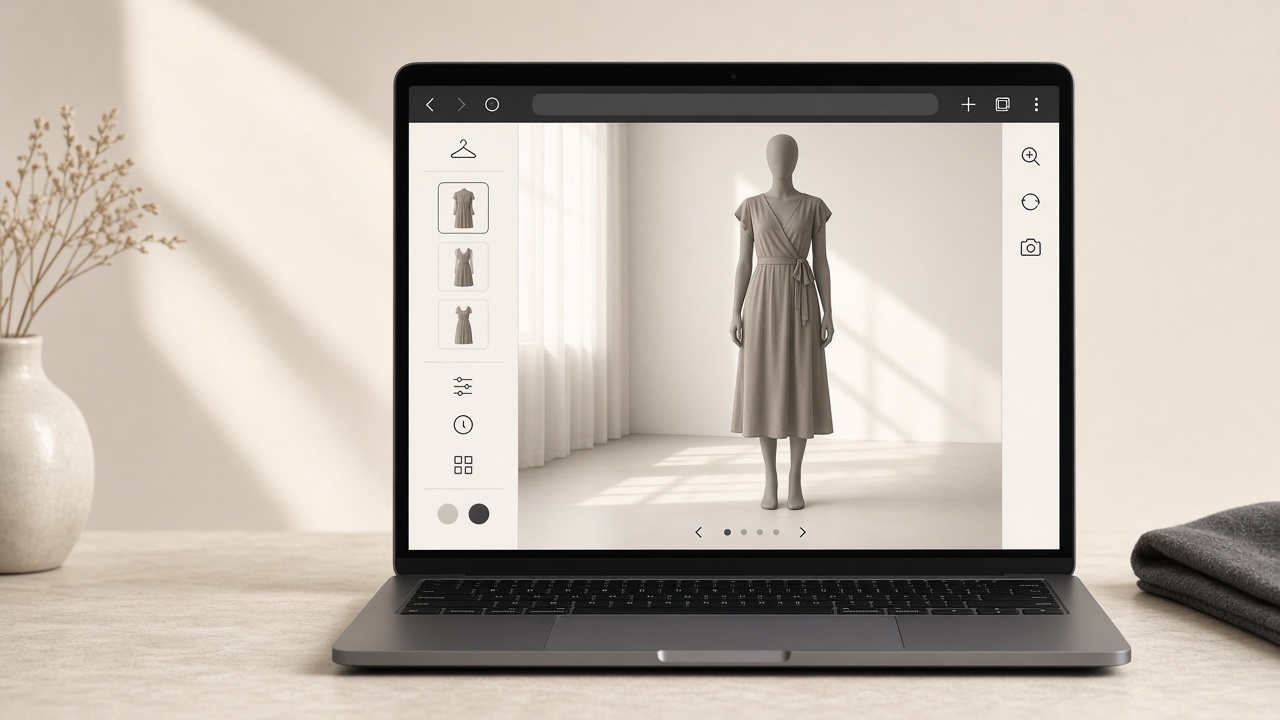
A fitting room does two jobs: it shows a garment on your body, and it lets you change your mind without queuing again. Online shopping kept the second half and lost the first. A virtual fitting room online puts the first half back — in a browser tab, with your own photo.
This page is the shopper version: one photo of you, real product images, a preview before you pay. Not a 3D mannequin configurator, not a size quiz.
Three different things called a “virtual fitting room”
- 3D avatar / body scan. You provide measurements or a scan; you get a modelled body wearing the garment. Strongest for brands that 3D-model their whole catalogue.
- AR mirror. You provide a live camera; you get the garment overlaid on you. Strongest for accessories and fast novelty checks.
- AI photo try-on. You provide a selfie plus a product image; you get a still of that garment on you. Strongest for deciding on one specific SKU before checkout.
All three are legitimate. The third is the one that works across ordinary stores, because it starts from the images every shop already publishes.
Why photo try-on suits real shopping
- Private. No changing room, no shop assistant, no camera feed leaving your device until you choose to upload.
- Store-agnostic. The same photo works on an indie boutique, a marketplace listing, or a brand’s own page.
- Repeatable. Identical input, so you can line up three garments and compare them honestly.
- Fast. A few seconds per garment, not a fitting-room round trip.
Open the online fitting room (browser, no app)
- Go to studio.
- Pick Photo, or Live if you would rather use the camera.
- Upload a recent photo: standing, arms slightly away from the torso, soft even light. The full checklist is in how to try clothes online with a photo.
- Point at the garment image from the product page — a front shot beats a lifestyle collage.
- Wait a few seconds, then download the result or keep it in history while signed in.
Each generation spends credits (pricing); new accounts start at zero balance, so a small trial pack is the honest way to test whether the room suits your taste.
Shopping across stores instead of inside one app
A fitting room bolted to a single storefront only helps that store. If you browse indie shops, resale, and big marketplaces in the same week, the any-store flow keeps one fitting photo with you — including the Chrome extension path — so you are not re-uploading yourself on every site.
What this fitting room will not do
- It is not a tape measure. It shows colour, print scale, silhouette, sleeve and hem placement, and how a fabric reads. It does not output “you are a 38 short.”
- It cannot fix a bad source image. Sheer fabric, tiny logos, three garments in one photo, or a twisted pose are the usual misses — spelled out in where try-on struggles.
- It will not shoplift your data. Photos are uploaded only when you run a generation; the privacy path is documented in virtual try-on privacy.
If you want the “which size?” question answered, that is a different tool — see size recommendation vs virtual try-on for how to pair the two.
A two-minute routine that beats guessing
Keep the store’s size chart open in a second tab, try on the size you would actually order, and judge three things: does the colour read on you, is the print scale what you expected, would you wear that length. If all three pass, buy. If the style is wrong, do not size up hoping — a different size will not fix a silhouette you dislike.
Soft CTA: take the garment sitting in your cart and run it once in studio. That single preview is usually enough to settle the decision.
Explore more on the Try On Anytime homepage.